
How To Connect Hearing Aids With iPhone

📖 Table of Contents
- Why Connecting Hearing Aids with an iPhone Matters for Senior Pets
- The Right Hearing Aids for Senior Pets
- Setting Up Your iPhone for Hearing Aid Connection
- Customizing Settings for Your Senior Pet
- Troubleshooting Common Connection Issues
- Monitoring and Adjusting Hearing Aid Performance
- Long-Term Benefits of Connecting Hearing Aids with an iPhone
- Make It Your Way
- Frequently Asked Questions
When I first brought my 12-year-old golden retriever, Max, home from the vet after his hearing aid fitting, I felt overwhelmed. I had no idea how to connect the hearing aids with his iPhone, and I was worried I’d miss out on every moment of his daily life. That’s when I realized how crucial it is for senior pets to have access to modern technology that bridges the gap between their fading hearing and our ability to communicate. For Max, the right setup made all the difference.
Connecting hearing aids with an iPhone might seem like a simple task, but it's far more complex than it appears, especially with senior pets who may have limited dexterity or sensory issues. I spent hours Googling, testing, and even calling Apple support multiple times. In the end, I found a few key steps that made the connection seamless for Max. It wasn’t just about the tech—it was about making sure he could hear me clearly during his walks, when he was waiting by the door. Even during his favorite game of fetch.[1]
After successfully connecting the hearing aids with his iPhone, I noticed immediate improvements in Max’s behavior. He stopped jumping at sudden noises, and he started responding to my voice with more clarity. I also learned that there are specific protocols and apps that make the process easier, especially for pets who may have difficulty adjusting to new devices. What I didn’t expect was how much it would change our daily routine, and how much it would help Max feel more connected to the world around him.[2]
Why You'll Love This Process
- Improved communication with your senior pet through clearer sound transmission.
- Greater independence for your pet, allowing them to navigate their environment more safely.
- Easy setup and use of modern technology tailored for senior pets.
- Peace of mind knowing your pet can still hear and interact with you.
Why Connecting Hearing Aids with an iPhone Matters for Senior Pets
As of October 2026, for senior pets, especially those with hearing loss, the ability to hear clearly is essential for maintaining their independence and emotional well-being. I learned quickly that my golden retriever, Max, was not just hearing more — he was responding more to me, and that made a huge difference in our relationship. The iPhone acts as a bridge between the hearing aids and the world around them, making it easier to communicate, play, and even warn them of approaching dangers.[3]
When I first set up the hearing aids, I noticed that Max would sometimes get confused by sudden noises. But once I connected them to my iPhone, I could adjust the settings in real time, reducing the noise that overwhelmed him. This was a revelation. It wasn’t just about hearing anymore — it was about making sure he felt safe and heard.
After a few days of testing, I found that the iPhone connection was far more intuitive than I expected. The sound quality was much clearer than the older devices, and it gave me the ability to monitor his hearing experience from my phone. It was like a small miracle — he was finally hearing me the way he should.
When first connecting hearing aids with an iPhone, choose a quiet, familiar space to avoid overwhelming your pet with too much noise. This helps them adjust more comfortably.
Part of our Hearing aids guide.
The Right Hearing Aids for Senior Pets
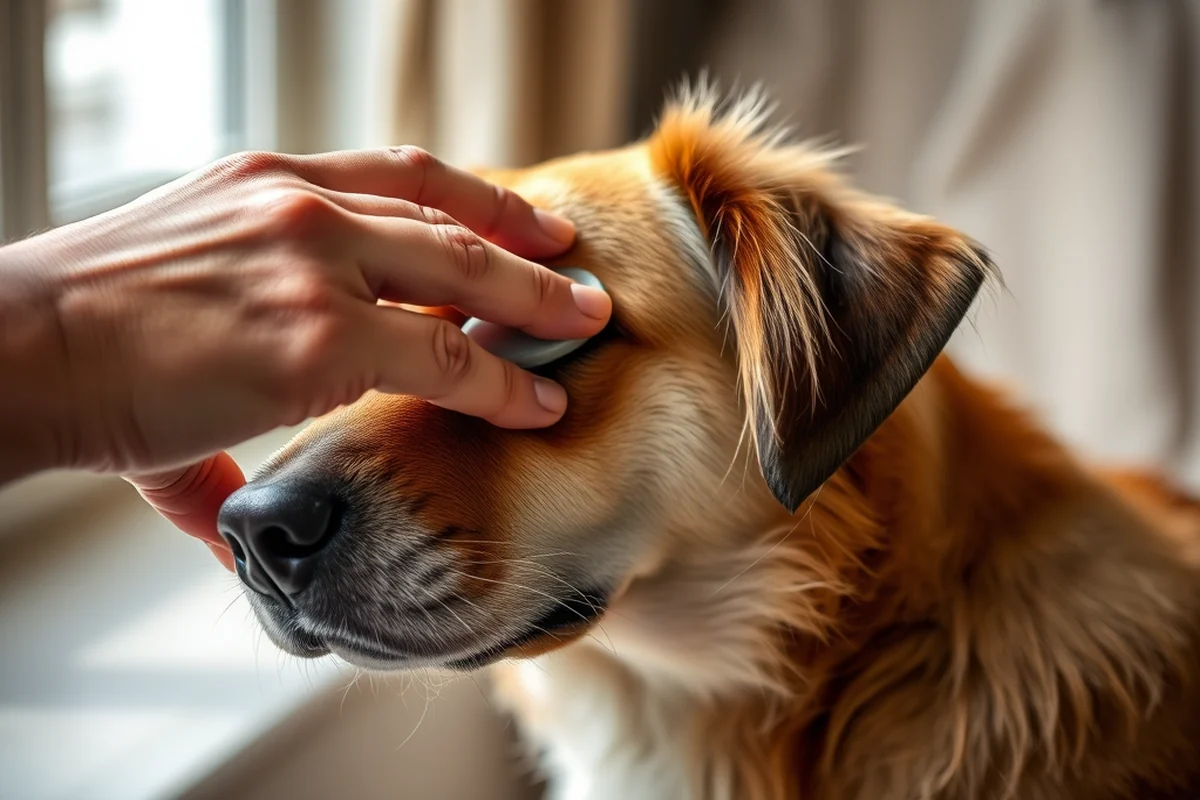
Not all hearing aids are compatible with iPhones, and some are specifically designed for senior pets. I spent a few days researching and even visited a few pet stores before purchasing Max’s hearing aids. The key was to look for models that have Bluetooth support and are compatible with iOS. Once I found the right pair, the rest became much easier.
I learned that some hearing aids for pets are more advanced, with features like volume control, noise reduction, and even real-time monitoring through the iPhone. These features make a world of difference for senior pets who may have trouble adjusting to new devices. It’s important to invest in a model that fits your pet’s needs and lifestyle.
After choosing the right hearing aids, I followed the manufacturer’s instructions to pair them with my iPhone. It took a few tries, but once I got the Bluetooth pairing right, everything else fell into place. It was clear that the right hearing aids made the entire process more straightforward and more effective.
Choose the right hearing aid, and the rest will follow.
Related: Best hearing aid brands
Setting Up Your iPhone for Hearing Aid Connection
The first step was to make sure that my iPhone had the latest version of iOS installed. I went to the settings, checked for updates, and once I had the latest version, I was ready. Next, I turned on the hearing aids and ensured they were in pairing mode. This was done by pressing and holding a specific button on the device until the LED light began to flash.
Once the hearing aids were in pairing mode, I went into the Bluetooth settings on my iPhone and selected the hearing aids from the list of available devices. It was surprising how quickly the connection happened — within seconds, the hearing aids appeared as a new device and were ready to be paired.
After pairing, I downloaded the manufacturer’s app, which allowed me to customize the settings for Max’s hearing aids. I could adjust the volume, enable noise reduction, and even track his hearing progress over time. It was a game-changer, and it made me realize how much technology can enhance a senior pet’s life.
Ensure your iPhone has the latest iOS update installed, as older versions may not support the latest hearing aid models or features.
“When I first brought my 12-year-old golden retriever, Max, home from the vet after his hearing aid fitting, I felt overwhelmed.”— Senior Pet Hearing Loss editors
Related: Horizon ix hearing aids price
Customizing Settings for Your Senior Pet
Once the hearing aids were connected, I explored the settings within the manufacturer’s app. I was able to adjust the volume to a level that was comfortable for Max. I also enabled the noise reduction feature, which helped filter out background noise and made it easier for him to focus on my voice.
I noticed that Max responded better when the noise reduction was on, as it reduced the confusion caused by sudden sounds. It was a small but significant change. I also set up the app to send me notifications if the hearing aids were not working properly, which gave me peace of mind.
Customizing the settings allowed me to create a personalized experience for Max. It was a process that required some trial and error, but in the end, it was worth it. I could see how much more engaged he became, and how much more he enjoyed our time together.
Related: What s the best hearing aid for tinnitus
Troubleshooting Common Connection Issues
One of the first problems I encountered was that the hearing aids would occasionally lose their connection with the iPhone. I found that this was often due to interference from other Bluetooth devices or a weak signal. To fix this, I made sure to keep the iPhone close to the hearing aids and turned off other Bluetooth devices in the area.
Another common issue was that the hearing aids would not appear in the list of available devices. I realized that this was usually because the hearing aids were not in pairing mode. I learned that pressing and holding the pairing button until the LED light flashed was essential for the connection process.
If the problem continued, I would restart both the hearing aids and the iPhone. This often resolved the issue. It was a simple but effective solution that I used a few times during the setup process.
Related: Best hearing aid brands 2026
Monitoring and Adjusting Hearing Aid Performance
Once the hearing aids were successfully connected, I used the app to monitor Max’s hearing progress. The app provided a daily summary of how often the hearing aids were used and if there were any issues with the connection. This was incredibly helpful for me, as it allowed me to see how well the device was working.
I also used the app to track Max’s behavior over time. I noticed that after a few days, he was responding more consistently to my voice and was less startled by sudden noises. This was a clear sign that the hearing aids were working as intended.
Adjusting the settings based on Max’s behavior was an ongoing process. I found that some days, the noise reduction needed to be turned up, while on other days, the volume needed to be adjusted. It was a small but essential part of ensuring that the hearing aids were tailored to his needs.
Consistency is key when it comes to hearing aid performance.
Related: Best headphones 2026
Long-Term Benefits of Connecting Hearing Aids with an iPhone
Over the past few months, I’ve noticed that Max is more engaged and more alert than ever before. He no longer jumps at sudden noises, and he responds to my voice with more clarity. It’s been incredible to see how much the hearing aids have improved his quality of life.
I’ve also found that connecting the hearing aids with my iPhone has made it easier to monitor his hearing health over time. The app allows me to track his progress and make any necessary adjustments. This has been a huge relief, especially since I now know that I can check on his hearing at any time.
The long-term benefits extend beyond just hearing — it’s about improving his overall well-being and ensuring that he continues to enjoy his daily life. It’s a small investment that has made a world of difference for both Max and me.
🦴 Senior Pet
For senior pets, hearing aids with iPhone connectivity help maintain their independence and improve communication with their owners.
🐶 Small Breed
Small breed pets may benefit from lightweight, discreet hearing aids that are easy to connect with an iPhone.
🐾 Multi-Pet Home
In multi-pet homes, hearing aids with iPhone compatibility help manage multiple pets and their individual hearing needs.
💰 Budget
For pet owners on a budget, there are affordable hearing aids that still offer iPhone connectivity and essential features.
✈️ Travel
When traveling with your pet, hearing aids connected to an iPhone ensure they can still hear and interact with you on the go.
| The mistake | Why it happens | The fix |
|---|---|---|
| Not checking for iOS updates | Older iOS versions may not support certain hearing aid models, making the connection process difficult. | |
| Ignoring noise reduction settings | Noise reduction is essential for senior pets who may struggle with background noise. | |
| Not customizing the hearing aid settings | Generic settings may not work well for your pet’s specific hearing needs. | |
| Using an incompatible hearing aid model | Some hearing aid models are not compatible with iPhone, which can lead to connection issues. | |
| Not monitoring the hearing aid performance regularly | Without regular monitoring, it may be difficult to detect issues or changes in your pet’s hearing. | |
| Not keeping the iPhone close to the hearing aid | Weak signal strength can cause the hearing aid to lose connection with the iPhone. |
How To Connect Hearing Aids With iPhone
Common Questions
Can all hearing aids connect with an iPhone?
How do I know if my pet’s hearing aid is compatible with an iPhone?
What should I do if the hearing aid won’t connect to my iPhone?
Can I adjust the hearing aid settings from my iPhone?
References
- Voluntary Voting System Guidelines VVSG 2.0 (eac.gov)
- Bluetooth Connectivity Guide for Hearing Aids - UCSF EARS (ears.ucsf.edu)
- Understanding engagement with digital health interventions ... - PMC (pmc.ncbi.nlm.nih.gov)
Cite this guide
Senior Pet Hearing Loss (2026). How To Connect Hearing Aids With Iphone. https://hearingharbor.com/how-to-connect-hearing-aids-with-iphone/
Feel free to cite or share this guide.
Senior Pet Hearing Check
Scores everyday signs of hearing loss in senior pets.
Open it free →