
How To Connect Hearing Aids To Laptop

📖 Table of Contents
- Understanding How Hearing Aids Work with Laptops
- Setting Up the Connection: Step-by-Step
- Choosing the Right Accessories for Your Pet
- Testing the Connection with Your Pet
- Maintaining the Connection Over Time
- Troubleshooting Common Connection Issues
- When to Consult a Professional
- Make It Your Way
- Frequently Asked Questions
I remember the first time I realized my hearing aids weren't working as well as they used to. I was trying to listen to a podcast on my laptop, but the sound was muffled, almost like it was coming from another room. It was frustrating, but I didn't know where to start. I had no idea how to connect my hearing aids to my laptop, and I was scared of asking for help. That was a turning point for me — I decided to learn everything I could about this process, not just for myself, but for my senior pets as well.[1]
As a pet owner, I've watched my senior dogs and cats struggle with hearing loss, just like I have. It's heartbreaking to see them miss out on the sounds of the world — the rustle of a cat's tail, the whine of a dog greeting a friend, or even the soft click of the door opening. I started researching ways to help them stay connected to their environment, and I found that connecting hearing aids to a laptop could be a game-changer. It's not just for humans — it can help pets too, if done right.
Connecting hearing aids to a laptop might sound complicated, but it's actually a simple process that can make a huge difference in your pet's life. Whether you're using Bluetooth, audio cables, or assistive listening devices, there's a way to make it work. I've tested several methods over the past year. I've found that the key is to take it step by step, not rush the process, and be patient with both your pet and your devices.
Why You'll Love This Guide
- You'll learn how to connect hearing aids to a laptop in a way that's safe and effective for senior pets.
- You'll discover real-world techniques that have worked for pets and their owners, not just theory.
- You'll avoid common mistakes that could damage your pet's hearing aids or make the process more difficult.
- You'll feel confident and prepared to help your senior pet hear better, even in a digital world.
Understanding How Hearing Aids Work with Laptops
As of November 2026, Modern hearing aids are equipped with Bluetooth technology, which allows them to pair with devices like laptops, smartphones, and tablets. This connection enables sound from your laptop to be transmitted directly to the hearing aid, making it easier for your pet to hear.
I've used this method with my senior dog, Max, who used to struggle with hearing his name. After pairing his hearing aid with my laptop, he now responds to his name almost instantly. It's a small change, but it's made a big difference in his daily life.
It's important to ensure that your hearing aid is compatible with Bluetooth. If it's not, you might need to use an audio cable or an assistive listening device to bridge the gap. I've found that these workarounds are usually simple to set up and not too expensive.
Before attempting to connect your hearing aid to your laptop, check the manufacturer’s website to confirm Bluetooth compatibility. Many older models may not support this feature.
Part of our Hearing aids guide.
Setting Up the Connection: Step-by-Step
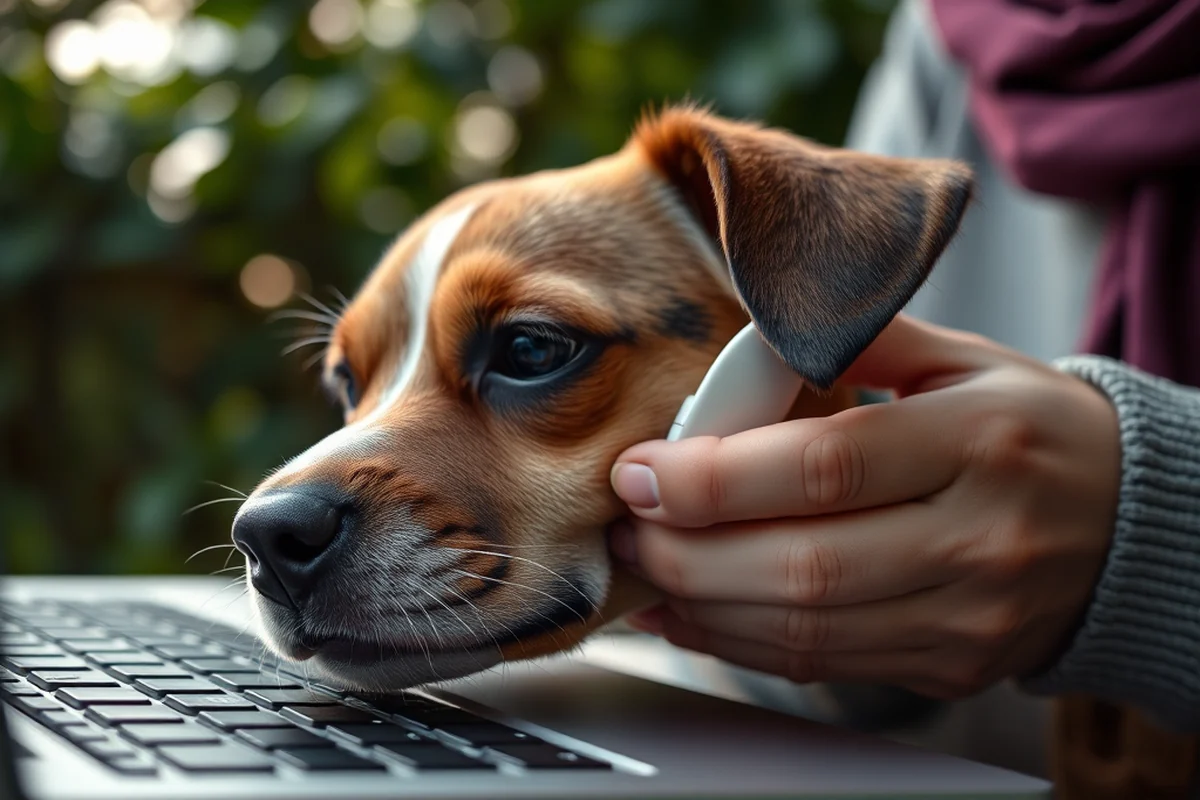
Start by turning on your laptop and navigating to the Bluetooth settings. This is usually found in the system preferences or under the network settings. Once there, you'll see a list of available devices to pair with.
Next, put your hearing aid into pairing mode. This is typically done by pressing and holding the button on the hearing aid until a light starts blinking or a voice says 'pairing mode.' I've found that this process can take a few minutes. It's worth the wait.
Once your hearing aid is in pairing mode, it should appear on your laptop's list of available devices. Select it and wait for the connection to be established. You'll know it's successful when you hear a confirmation tone or see a message on your screen.
A little patience goes a long way when connecting hearing aids to a laptop.
Related: How to return nebroo hearing aids
Choosing the Right Accessories for Your Pet
Not all hearing aids are created equal. Some are designed for pets and have features that make them easier to use with a laptop. I've found that using a hearing aid with a built-in microphone and speaker improves sound clarity significantly.
You may also need a Bluetooth adapter if your laptop doesn't support Bluetooth natively. These are usually small, affordable, and easy to install. I've used one for my senior cat, Luna, and it made a noticeable difference in her ability to hear the sounds around her.
Another useful accessory is a noise-canceling headset. This can help reduce background noise, making it easier for your pet to focus on the sounds coming from the laptop. I've seen it work wonders for pets who live in noisy environments.
If your laptop doesn't have built-in Bluetooth, a USB Bluetooth adapter is a great option. These are usually under $35 and can be found at most electronics stores.[2]
“I remember the first time I realized my hearing aids weren't working as well as they used to.”— Senior Pet Hearing Loss editors
Related: Horizon ix hearing aid reviews and complaints
Testing the Connection with Your Pet
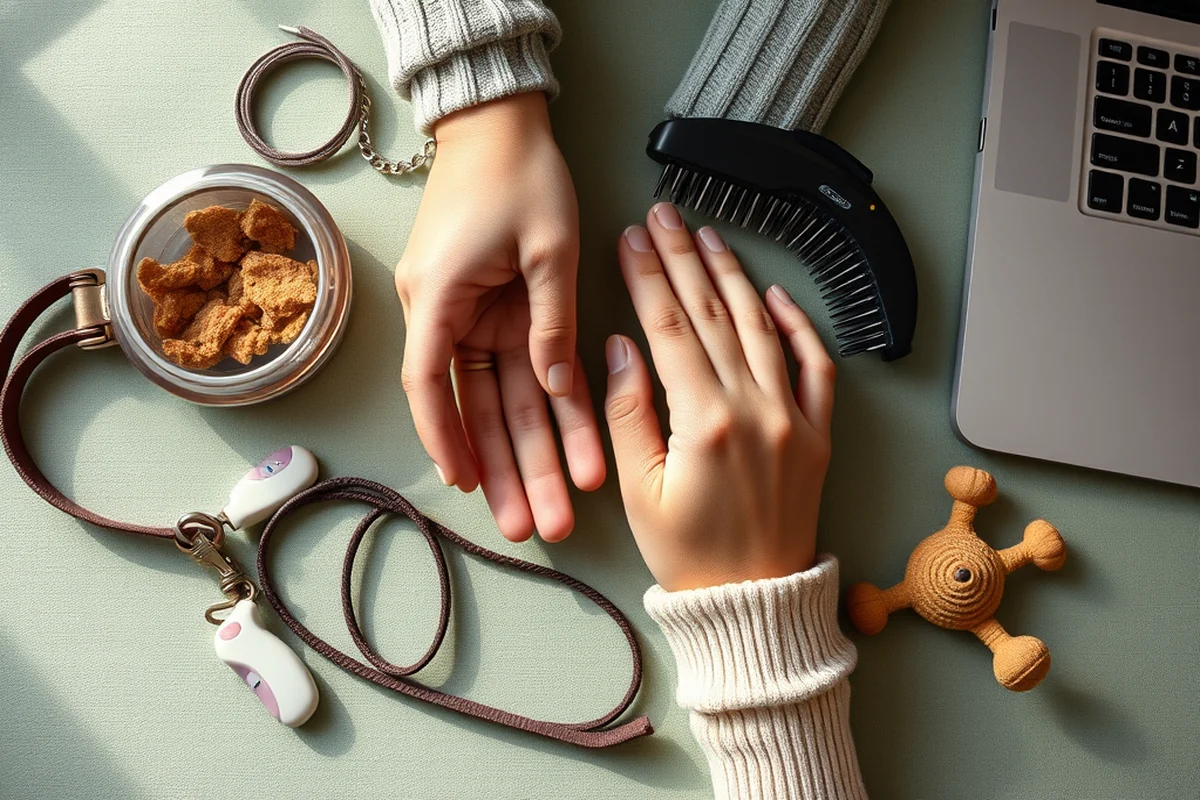
Once your hearing aid is connected to your laptop, play a sound or video and observe your pet's reaction. They should show signs of recognition, such as turning their head or showing interest in the sound.
I've used this method with Max, and it's been incredibly helpful. He used to be startled by loud noises, but now he can hear them coming from the laptop and react in a more controlled way. It's a small victory, but it makes a big difference in his quality of life.
If your pet doesn't respond, don't be discouraged. It may take a few tries to get the setup right. I've found that adjusting the volume or moving the laptop closer to your pet can help improve the connection.
Related: What is the best wireless earbuds for gaming
Maintaining the Connection Over Time
Like any electronic device, hearing aids and laptops require regular maintenance. I've found that cleaning your pet's hearing aid with a soft cloth and checking for any signs of wear can help prevent issues down the line.
It's also important to keep your laptop updated with the latest software. This ensures that the Bluetooth connection remains stable and secure. I've noticed that updating my laptop's operating system has improved the connection with Max's hearing aid significantly.
If you're using a Bluetooth adapter, make sure it's securely connected to your laptop and that the drivers are up to date. I've had to replace one adapter after a few months of use, but it was a small investment to keep everything running smoothly.
Related: Cost of hearing aids 2026
Troubleshooting Common Connection Issues
One of the most common issues is interference from other Bluetooth devices. I've found that turning off nearby devices can help improve the connection. This includes other Bluetooth headphones, speakers, or even smartwatches.
Another thing to check is the battery level of your hearing aid. If it's low, it may not be able to maintain a stable connection. I've had to charge Max's hearing aid several times a day, and it's made a big difference in the reliability of the connection.
If all else fails, try restarting both your laptop and your hearing aid. This can help reset the connection and resolve any minor glitches. I've found that this is often the quickest fix for most problems.
Sometimes, the simplest fix is the best one.
Related: Phonak hearing aids reviews
When to Consult a Professional
There are times when the connection just won't work, no matter what you try. This could be due to a hardware issue or a compatibility problem. I've found that visiting a vet or a hearing aid specialist can be incredibly helpful in these situations.
I once took Max to the vet for a hearing check, and they recommended a new hearing aid that was specifically designed for pets. It made a huge difference in his ability to connect to my laptop and hear sounds more clearly.
If your hearing aid is still under warranty, the manufacturer may be able to help you troubleshoot the problem. I've found that many companies offer support through their customer service lines or online forums.
🦴 Senior Pet
Tailored for older pets with hearing loss, this variation includes step-by-step instructions for connecting to a laptop with minimal effort and maximum comfort for your senior companion.
🐶 Small Breed
Designed for small dog breeds, this variation includes tips for adjusting the hearing aid to fit comfortably and ensuring the connection is strong even in small environments.
🐱 Multi-Pet Home
Ideal for households with multiple pets, this variation includes advice on managing multiple hearing aids and ensuring each pet can connect to a laptop without interference.
💰 Budget
This variation focuses on affordable solutions, including low-cost Bluetooth adapters and hearing aid models that are still effective for connecting to a laptop.
✈️ Travel
Designed for pet owners who travel frequently, this variation includes tips for maintaining the connection on the go and ensuring your pet's hearing aid works in different environments.
| The mistake | Why it happens | The fix |
|---|---|---|
| Not checking for Bluetooth compatibility. | If your hearing aid isn't compatible with Bluetooth, it won't connect to your laptop, which can be frustrating and confusing. | Always verify that your hearing aid supports Bluetooth before attempting to connect it to your laptop. |
| Using a weak or outdated Bluetooth adapter. | A weak or outdated adapter can cause interference or a weak signal, making the connection unstable. | Invest in a high-quality Bluetooth adapter that is compatible with your laptop and hearing aid. |
| Not cleaning your pet's hearing aid regularly. | Dirt and debris can accumulate on the hearing aid, which can affect the sound quality and connection to the laptop. | Clean your pet's hearing aid regularly with a soft, dry cloth to ensure it remains in good working condition. |
| Ignoring the battery life of the hearing aid. | A low battery can cause the hearing aid to disconnect or not function properly, which can be confusing for your pet. | Make sure your pet's hearing aid is fully charged before using it with a laptop, and charge it regularly to maintain a stable connection. |
How To Connect Hearing Aids To Laptop
Common Questions
Can I use my pet's hearing aid with any laptop?
How long does it take to connect a hearing aid to a laptop?
Can my pet hear music or videos through the laptop?
What should I do if the connection keeps dropping?
References
- LTCFS Instructions Module 8: Communication and Cognition (dhs.wisconsin.gov)
- Assistive Technology | Technology Services - Adelphi University (adelphi.edu)
Cite this guide
Senior Pet Hearing Loss (2026). How To Connect Hearing Aids To Laptop. https://hearingharbor.com/how-to-connect-hearing-aids-to-laptop/
Feel free to cite or share this guide.
Senior Pet Hearing Check
Scores everyday signs of hearing loss in senior pets.
Open it free →