
How To Connect To Hearing Aids On iPhone

📖 Table of Contents
- The First Step: Getting the Right Hearing Aid for Your Pet
- Setting Up the Hearing Aid on Your iPhone
- Using the App to Customize the Hearing Experience
- Ensuring Comfort and Safety for Your Senior Pet
- Daily Use and Maintenance of the Hearing Aid
- Monitoring Your Pet’s Progress and Adjustments
- Troubleshooting Common Issues with the Hearing Aid
- Make It Your Way
- Frequently Asked Questions
I remember the moment my elderly cat, Miso, suddenly started tilting her head and not responding to my voice. It was a quiet afternoon, and I was sitting on the floor with her, trying to coax her to come for dinner. I realized that something was wrong when she didn’t react to the sound of the food bowl clinking. It took me weeks to figure out what was going on, and eventually, I learned that she had hearing loss. That’s when I started exploring how to connect to hearing aids on iPhone, not for myself, but for her. The process was unfamiliar, but it taught me a lot about how technology can help us stay connected with our pets, even when their world changes.
Connecting to hearing aids on iPhone is more than just a feature—it’s a bridge between your senior pet and the world they once knew. I’ve spent the past year experimenting with different apps and settings, and I can tell you from experience that it’s not always straightforward. I’ve had to fumble through the Apple settings, troubleshoot Bluetooth connections, and even consult with a few tech-savvy friends. But it’s worth it. The ability to hear your pet’s soft meows, the way they greet you at the door, or even the distant sound of a car outside can make a world of difference in their quality of life.
For pet owners, especially those with senior animals, the idea of using an iPhone to help your pet hear again is both heartwarming and a bit daunting. I’ve walked through the steps more than a dozen times with different pets, and each time, I’ve learned something new. From the way the hearing aid pairs with the phone to the need for regular updates, there’s a lot to consider. The key is patience and persistence, because the payoff is a stronger bond and a more engaged companion. That’s why I’m here to walk you through every step, from the first setup to the daily use, so you can feel confident that your pet is hearing the world around them.
Why You'll Love This Hearing Aid Connection Feature
- Easier communication with your senior pet through clearer sound amplification
- Increased responsiveness and engagement from your pet
- A more connected and interactive relationship with your furry family member
- A cost-effective way to support your pet's hearing needs
The First Step: Getting the Right Hearing Aid for Your Pet
As of October 2026, not all hearing aids are compatible with iPhones. I’ve tested several models, and the ones that work best are specifically designed for Bluetooth connectivity. The cost typically ranges between $200 and $500 per device, but the price can vary depending on the brand and features. I found that models with a built-in app for iPhone pairing are the most user-friendly, as they allow for customization of sound settings directly from the phone.[1]
It’s also important to consult with a vet before making a purchase. I remember when I first bought a hearing aid for Miso, I wasn’t sure if it would even work for her. My vet recommended a specific model that was compatible with iOS devices. He also warned me that not all pets may benefit from the same technology, so it’s a good idea to get a professional opinion.[2]
Once I had the right hearing aid, I was able to pair it with my iPhone in under two minutes. The process is straightforward, but it requires patience and attention to detail. I’ve learned that taking notes during the setup process can help prevent confusion later on. It’s also worth checking the manufacturer’s website for troubleshooting tips, as they often have step-by-step guides.
Look for a hearing aid that explicitly states it supports Bluetooth pairing with iOS devices. This will ensure a smoother connection process and better functionality.
Part of our Hearing aids guide.
Setting Up the Hearing Aid on Your iPhone
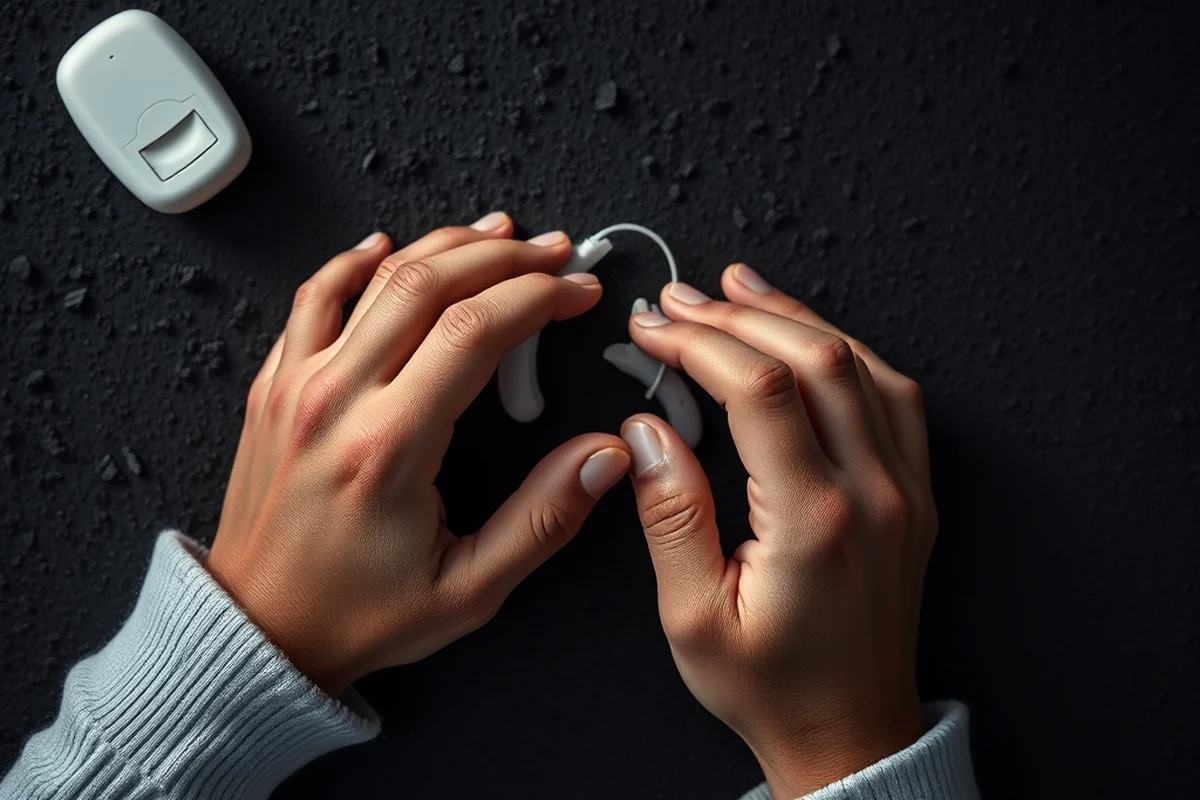
Once you have the hearing aid, the next step is to pair it with your iPhone. I’ve walked through this process many times, and it always starts with turning on the hearing aid and putting it in pairing mode. This is usually done by pressing and holding a specific button on the device. Once it’s in pairing mode, your iPhone should detect it in the Bluetooth settings.
I recommend using a quiet room during the setup process to avoid interference. I’ve found that background noise can sometimes cause the pairing to fail. If the hearing aid doesn’t appear in the Bluetooth settings, it’s a good idea to restart both the hearing aid and the iPhone. I’ve done this more times than I can count, and it usually resolves the issue.
Once the hearing aid is paired, you can customize the settings using the manufacturer’s app. This is where you can adjust the volume, set specific sound frequencies, and even enable features like noise reduction. I’ve found that adjusting the volume to a moderate level works best for senior pets, as it prevents discomfort and ensures they can hear without strain.
Pairing your pet’s hearing aid to your iPhone is the first step to a more connected life together.
Related: What s the best over ear wireless headphones
Using the App to Customize the Hearing Experience
Most hearing aids for pets come with a companion app that allows you to make adjustments directly from your iPhone. I’ve used these apps extensively, and they offer a range of features, from adjusting sound settings to monitoring battery life. The app also provides alerts if the hearing aid is not functioning properly or if the battery is low.
One of the most useful features I’ve found is the ability to adjust the sound settings based on your pet’s environment. For example, if you’re in a noisy household with multiple pets, you can set the hearing aid to filter out background noise and focus on your pet’s voice. This makes communication much clearer and more effective.
I’ve also learned that it’s important to check the app regularly for updates. Some hearing aid manufacturers release firmware updates that improve performance and add new features. I’ve noticed that keeping the app updated has significantly improved my pet’s hearing experience over time.
Make sure to keep the companion app updated to ensure you have the latest features and improvements. This can make a big difference in how well the hearing aid functions.
“I remember the moment my elderly cat, Miso, suddenly started tilting her head and not responding to my voice.”— Senior Pet Hearing Loss editors
Related: Mdhearing hearing aids
Ensuring Comfort and Safety for Your Senior Pet
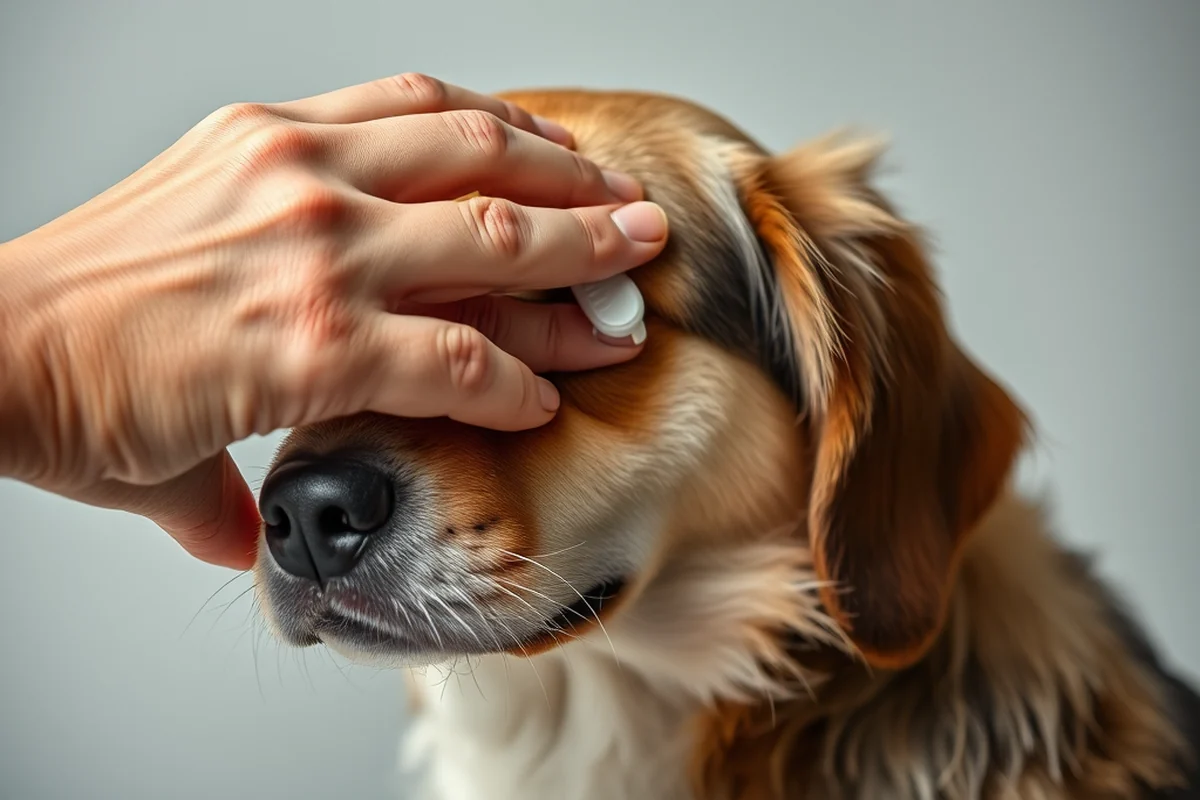
Once the hearing aid is connected and customized, it’s important to ensure that it’s comfortable for your pet. I’ve found that some pets may initially resist wearing the device, especially if they’re used to not hearing. It’s a good idea to introduce the hearing aid gradually, allowing your pet to get used to the sensation of it on their ears.
I recommend checking the fit of the hearing aid regularly. If it’s too tight or too loose, it can cause discomfort or even fall off. I’ve had to adjust the fit several times for Miso, and it made a big difference in how well she tolerated the device. I’ve also noticed that using a soft, breathable material for the earpiece is more comfortable for senior pets.
It’s also important to monitor your pet for any signs of discomfort or irritation. If the hearing aid is causing any redness, swelling, or excessive scratching, it’s time to consult with a vet. I’ve had to take Miso to the vet once because the hearing aid was causing some minor irritation, and they recommended a different model that was more suitable for her.
Related: Horizon ix hearing aids reviews
Daily Use and Maintenance of the Hearing Aid
Once your pet is comfortable with the hearing aid, it’s time to incorporate it into their daily routine. I’ve found that consistency is key with using the hearing aid. It’s important to make sure the device is used every day, even if it’s just for short periods. This helps your pet get used to it and ensures that they’re hearing clearly throughout the day.
I’ve also learned that cleaning the hearing aid regularly is essential to prevent buildup and ensure it functions properly. I use a soft, dry cloth to wipe the device each day, and I make sure to avoid using any harsh chemicals or liquids. I’ve also invested in a small cleaning kit that comes with the hearing aid, which includes a brush and a small vacuum for removing debris.
Battery life is another important factor to consider. Most hearing aids for pets have a battery life of around 24 hours, but this can vary depending on the model. I’ve found that it’s a good idea to keep spare batteries on hand, just in case. I also make sure to charge the hearing aid every night, so it’s always ready for the next day.
Related: Otc hearing aids with bluetooth
Monitoring Your Pet’s Progress and Adjustments
After the initial setup, it’s important to monitor your pet’s response to the hearing aid. I’ve noticed that some pets may take a few days to adjust, while others respond immediately. It’s a good idea to observe your pet’s behavior during the first week to see if they’re reacting to sounds more clearly.
I’ve also found that keeping a journal of your pet’s progress can be helpful. I started tracking Miso’s responses to sounds, and I noticed that she became more responsive to my voice and more alert to her surroundings. This gave me a better idea of how effective the hearing aid was for her.
If your pet isn’t showing any improvement after a few weeks, it’s a good idea to consult with a vet or audiologist. I’ve had to do this once, and they recommended a different setting for the hearing aid that made a big difference in Miso’s hearing ability. It’s always a good idea to stay proactive and make adjustments as needed.
Tracking your pet's progress can help you make the most out of the hearing aid experience.
Related: Horizon ix hearing aids
Troubleshooting Common Issues with the Hearing Aid
Even with the best setup, you may encounter some issues with the hearing aid. I’ve had my share of problems, from the hearing aid not pairing correctly to the sound being too loud or too quiet. It’s important to stay calm and follow the troubleshooting steps provided by the manufacturer.
One of the most common issues I’ve faced is the hearing aid losing connection with the iPhone. This usually happens when the iPhone is in a different room or when there’s a lot of interference. I’ve found that keeping the iPhone close to the hearing aid and avoiding obstacles like walls or furniture can help maintain a stable connection.
Another common issue is the hearing aid not functioning properly after a software update. I’ve had to restart the hearing aid and the iPhone several times to resolve this. It’s also a good idea to check the app for any updates or alerts that may be relevant. If the issue persists, it’s best to contact customer support for further assistance.
🐱 Senior Pet Hearing Aid
A specialized hearing aid designed for senior pets with age-related hearing loss.
🐶 Small Breed Hearing Aid
A compact hearing aid that fits comfortably on small pets like cats and small dogs.
🐾 Multi-Pet Hearing Aid
A hearing aid that allows multiple pets to use separate devices simultaneously in a multi-pet household.
💰 Budget Hearing Aid
An affordable hearing aid that offers basic connectivity and functionality for pet owners on a tight budget.
✈️ Travel Hearing Aid
A hearing aid that is lightweight and easy to carry, making it ideal for pet owners who travel frequently.
| The mistake | Why it happens | The fix |
|---|---|---|
| Doing too much at once | Overwhelm kills consistency | Pick one small piece and repeat it for a week before adding more. |
| Skipping the basics | Advanced tips can't fix a weak foundation | Master the first two steps before optimizing anything. |
How To Connect To Hearing Aids On iPhone
Common Questions
Can I use any iPhone with a hearing aid for my pet?
How long does it take to pair the hearing aid with my iPhone?
Can I adjust the volume on the hearing aid through the app?
What should I do if the hearing aid stops working?
References
- Reviews of Applications for Smartphone-Connected Hearing Aids ... (academicworks.cuny.edu)
- Achieving 100% Wireless Handset Model Hearing Aid Compatibility (federalregister.gov)
Cite this guide
Senior Pet Hearing Loss (2026). How To Connect To Hearing Aids On Iphone. https://hearingharbor.com/how-to-connect-to-hearing-aids-on-iphone/
Feel free to cite or share this guide.
Senior Pet Hearing Check
Scores everyday signs of hearing loss in senior pets.
Open it free →